Granular Plugins We Actually Reach For: A Roundup After Two EPs of Abuse
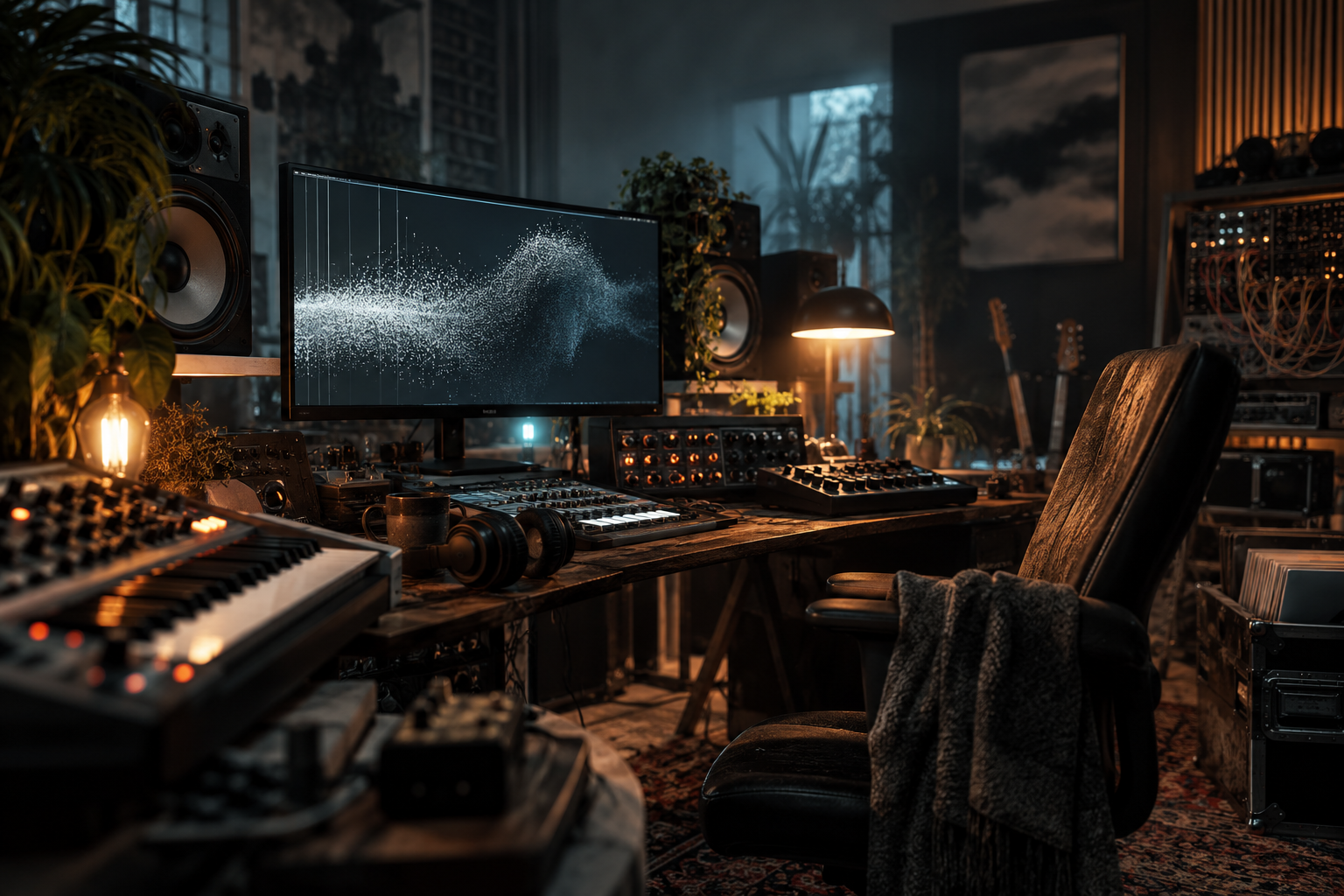
Two EPs in, and the granular plugins that survived aren’t the ones with the biggest feature lists. They’re the ones that don’t crash when you drag a two-hour field recording onto the waveform. That is the entire test.
We abuse granular tools the way most people abuse a distortion pedal: pushed past where they sound “good” and then peeled back until something interesting happens. Here’s what’s still in the rack, what got uninstalled, and where the seams show.
What Granular Actually Does to a Signal
Before the roundup, worth being precise, because a lot of producers treat granular as a reverb substitute. It isn’t.
Granular synthesis chops a buffer into short slices (grains, usually a few to a few hundred milliseconds), then replays them independently with adjustable grain size, position, pitch, and density. The output depends entirely on how those parameters interact.
Small grains with fast schedules give you the shimmering, smeared texture most people associate with the technique. Large grains with slow schedules give you stuttering, mechanical repetition, closer to a glitch buffer than a pad. Position scanning is where the creative leverage lives, not in grain size.
That distinction matters for the roundup below, because a lot of “granular” plugins are really just granular-adjacent: they’ll freeze a buffer or scatter it, but they won’t give you real per-grain control. Nothing wrong with that. Just don’t expect surgery from a paint roller.
What Stayed: The Tools We Keep Opening
Tonsturm Traveler
Traveler is the one that ends up on almost every texture-heavy track. Position modulation on the pitch and grain size is what sells it. You can route an LFO to the scan position and get movement that doesn’t sound like a loop. Grain size goes down to fine enough territory that a vocal chop doesn’t immediately announce itself as granular.
The catch: the interface assumes you know what you’re doing. The modulation routing is deep and the parameters don’t hold your hand. If you want a preset to sound good instantly, this isn’t it. If you want precise control over a single texture for three hours, it is.
Nimble Tools Granular
Not trying to be clever. Four knobs, one buffer, and it sounds good fast. We use it for drum breaks that need to fall apart slightly, and for turning a one-shot stab into a frozen loop that sits under a kick.
Weakness: pitch and position are linked in ways the UI doesn’t explain. You’ll spend ten minutes wondering why 50% grain size sounds different on two different samples before you figure out the modulation is taking it somewhere you didn’t ask for. Once you know, you know.
AudioThing Frostbite
Frostbite gets called a granular processor, but it’s more accurate to call it a spectral cold machine with granular tendencies. It’s OTT for textures: freeze, spectral blur, feedback. We use it on pads and on tails of reverbs to make them bloom into something that isn’t a reverb anymore.
The grain engine itself is secondary. The freeze and feedback are the point. Worth being honest that if you want a granular processor per se, this isn’t the one, but if you want granular-adjacent destruction tools in one window, it holds its place in the rack.
Output Portal
Portal’s granular side is the underrated half. The pitch, reverse, and stutter modes get all the attention, but the granular engine underneath handles vocal chops and percussion fragments in a way that other Output plugins don’t. It’s the most “instant idea” of the bunch. Drop a lock to the grid, find a grain size that sits, and you’ve got a pattern in under a minute.
Downside: it wants to be the star. It colors everything. That’s fine when you want a Portal track. Less fine when you want granular detail on a track that’s already busy.
The Falcon Quanta Pair
UVI Falcon includes an IRCAM Granular oscillator. If you own Falcon, you already have a serious granular engine sitting inside an entire sampler and synth workstation. It doesn’t get its own headline because Falcon users forget it’s there.
It’s the most granular-precise tool in the roundup. Full control over grain duration, position, pitch, pan, and envelope per grain. The problem is exactly that: you have to want precision. If you don’t, you’ll build three presets and go back to Traveler.
What Didn’t Stay
We tried most of the browser-based and free granular tools over the last eighteen months. Some are genuinely good given the price. Several have real buffer size limits, which means you can’t drop a ten-minute field recording in and granular-scan it. That’s a deal-breaker for us, and worth checking before you commit time.
The biggest frustration across the category is CPU. Granular processing with high grain density scales badly. A patch that runs at 12% CPU with a static buffer can jump to 60% the moment you move position modulation onto a fast LFO. This is DSP physics, not bad code. There aren’t currently free tools that do genuine per-grain manipulation at the level soothe2 does for resonance, so if that’s what you’re searching for, budget for the paid tier.
A lot of what’s advertised as granular is really just a glitch plugin with a grains label. That’s fine. Just don’t buy it expecting per-grain control.
Where Granular Sits in a Techno Workflow
The way we use granular isn’t “granular track”, it’s “granular layer”. Three places it earns its keep:
- Break processing. A granular pass on a break, mixed low, gives the loop a smear that survives sidechain compression and sounds alive rather than sized-and-pasted. High grain density, short grains, position locked. Interesting at low wet.
- Pad tails. Freeze a reverb tail or a chord sustain, then let the buffer scan slowly. This is where granular replaces the tired “reverse reverb into the drop” trick.
- Vocal fragments for IDM. Chop a phrase into a buffer, set grain position to scan across it, slow LFO. You get something that sounds like speech without being a vocal. Useful for tracks that need a human ghost in the machine without an actual vocal.
One workflow note: granular sounds better when the source is already interesting. Running a clean 808 through granular gives you a clean 808 with smudge. Running a field recording of a metal shop through granular gives you something nobody else has. The source is the sound. The plugin is just the cut.
Free Granular Options Worth Trying
Two free paths that aren’t a waste of time:
Surge XT includes a wavetable oscillator with an associated granular window. It’s not marketed as a granular synth, but with the wavetable edit page you can get grain-based scanning that punches well above the price of admission (free). If you already have Surge XT installed for its wavetable work, check the WT oscillator modes before buying a dedicated granular tool.
Any DAW with a granular-friendly sampler mode gets you 70% of the way. Ableton‘s Simpler in slice mode with high grain density and position modulation is a legitimate granular setup, and Sampler in granular mode pushes that further. If your DAW has one, learn it before buying anything else.
Where free tools genuinely lead in this category is nowhere. The paid granular market is narrow and expensive for good reason: per-grain DSP is not a weekend project. If you need granular precision, you pay for it.
Verdict
If you’re only buying one granular tool this year, Traveler. It’s the one that turns a texture into a track element rather than a one-off effect. If you’re on a budget and already own Surge XT or Falcon, dig into what you’ve got before spending.
And if you’re choosing granular as a way to make a track sound experimental without going anywhere, don’t. Granular is most useful when it’s a single layer doing a specific job, not a personality. Two EPs in, that’s the lesson we keep re-learning.